1
Week schedule
Drag-and-drop classes across the week, assign instructors, set capacity, and spot conflicts before they go live.
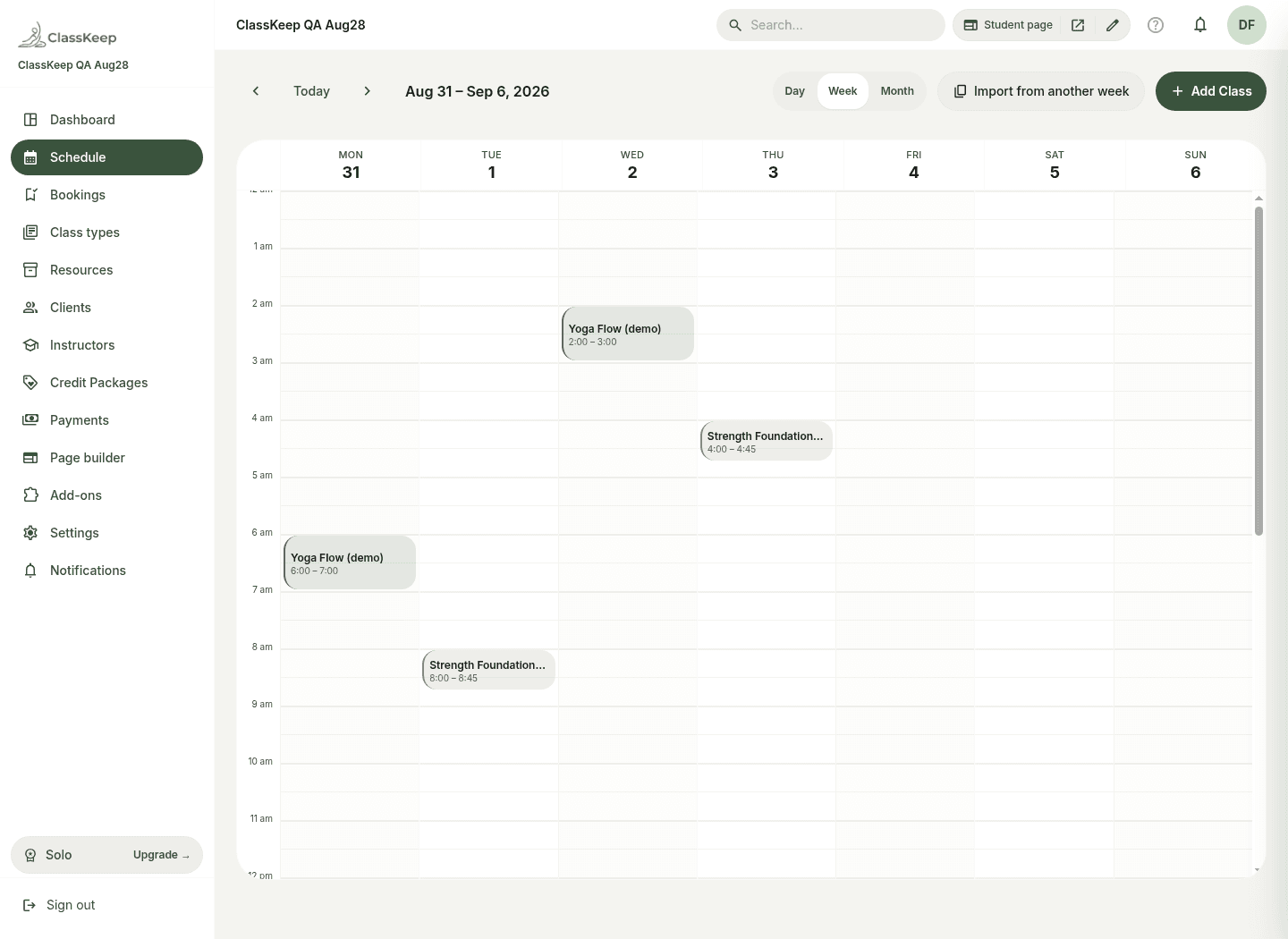
A quick tour of the real product — screenshots from the live app, not a mock-up video.
Drag-and-drop classes across the week, assign instructors, set capacity, and spot conflicts before they go live.
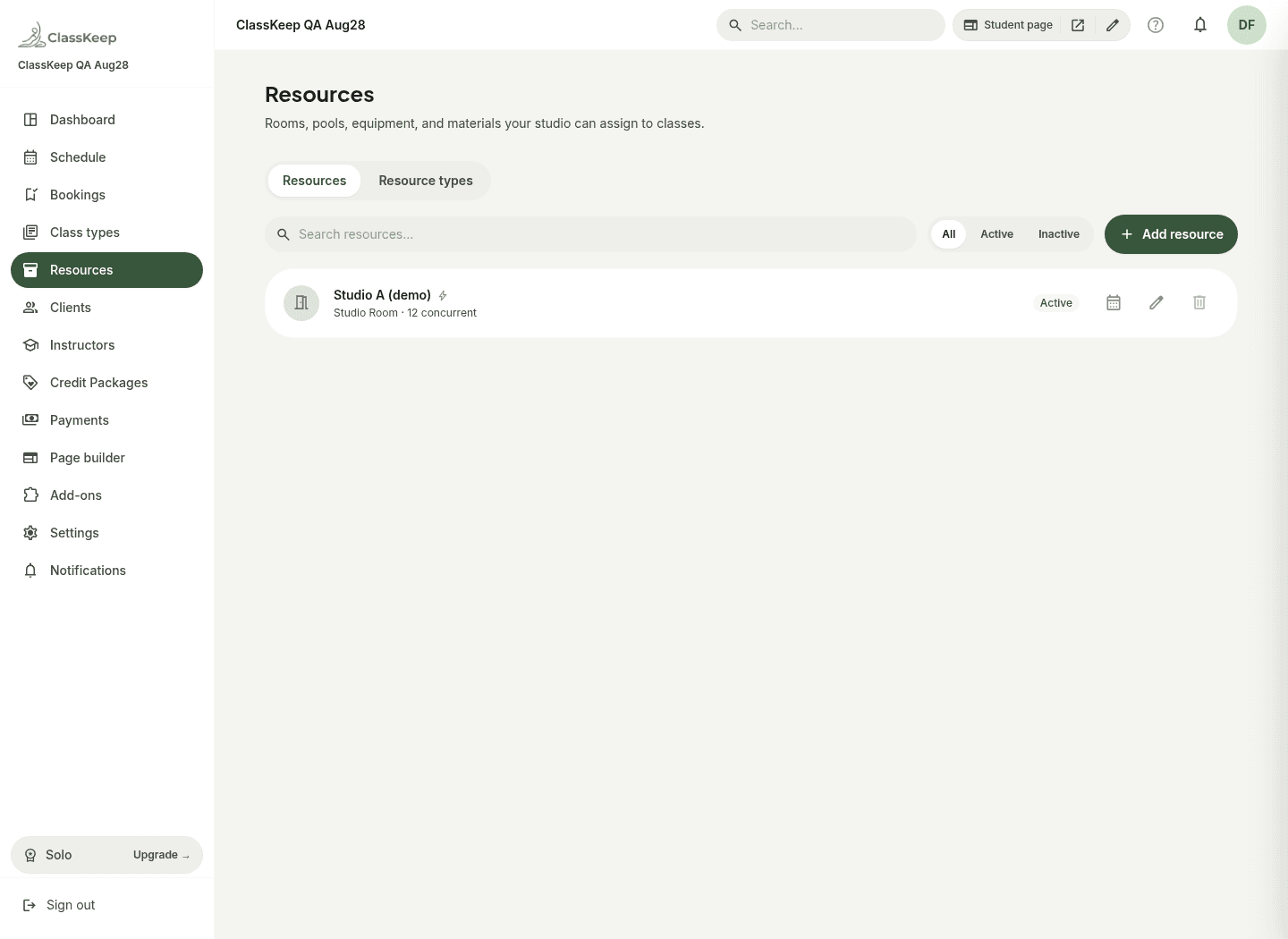
Model studios, reformers, bikes, and materials with capacity so two classes never claim the same room.
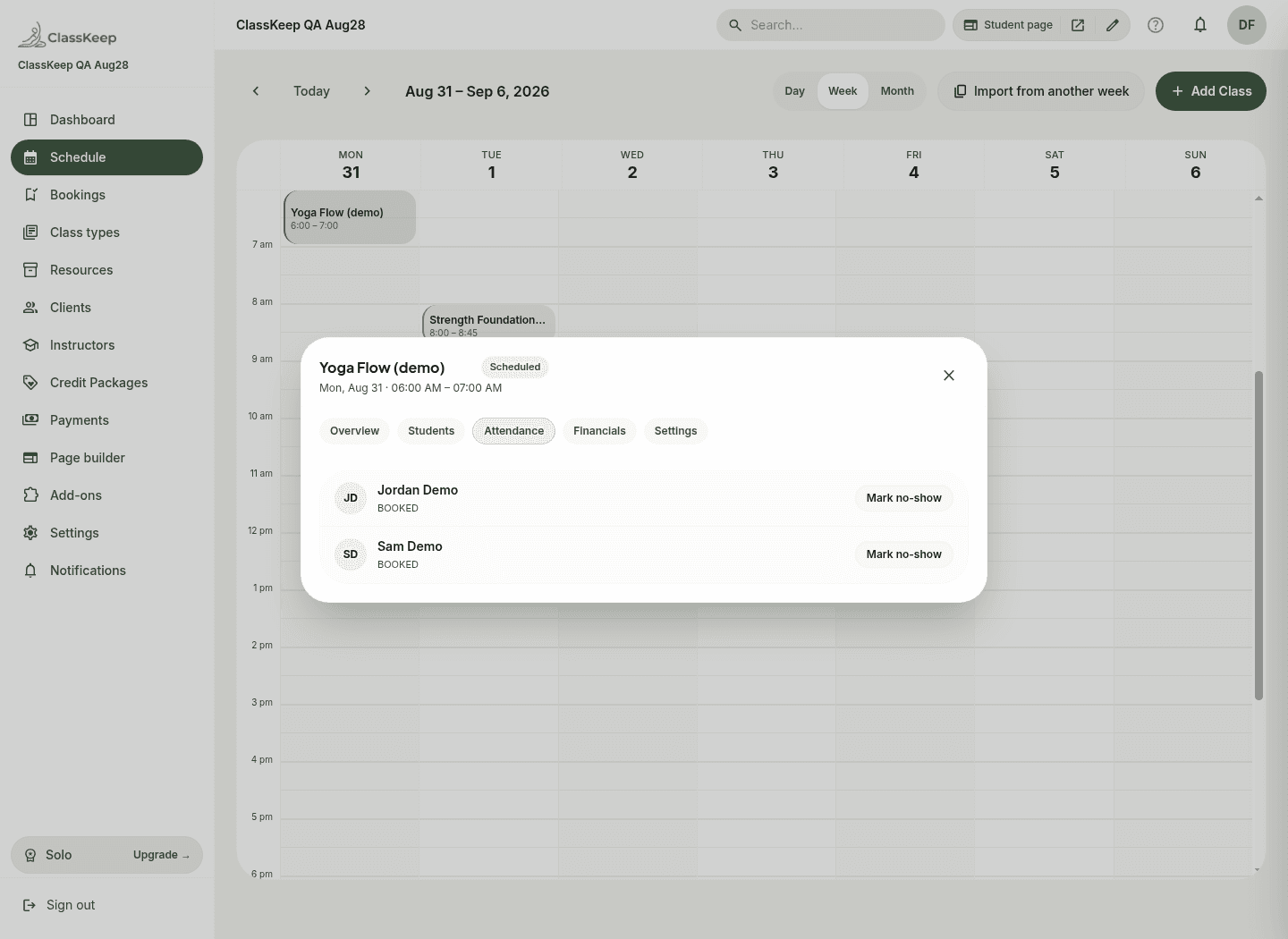
Run the floor from the session roster — check students in, mark no-shows, and handle walk-ins from the instructor portal.
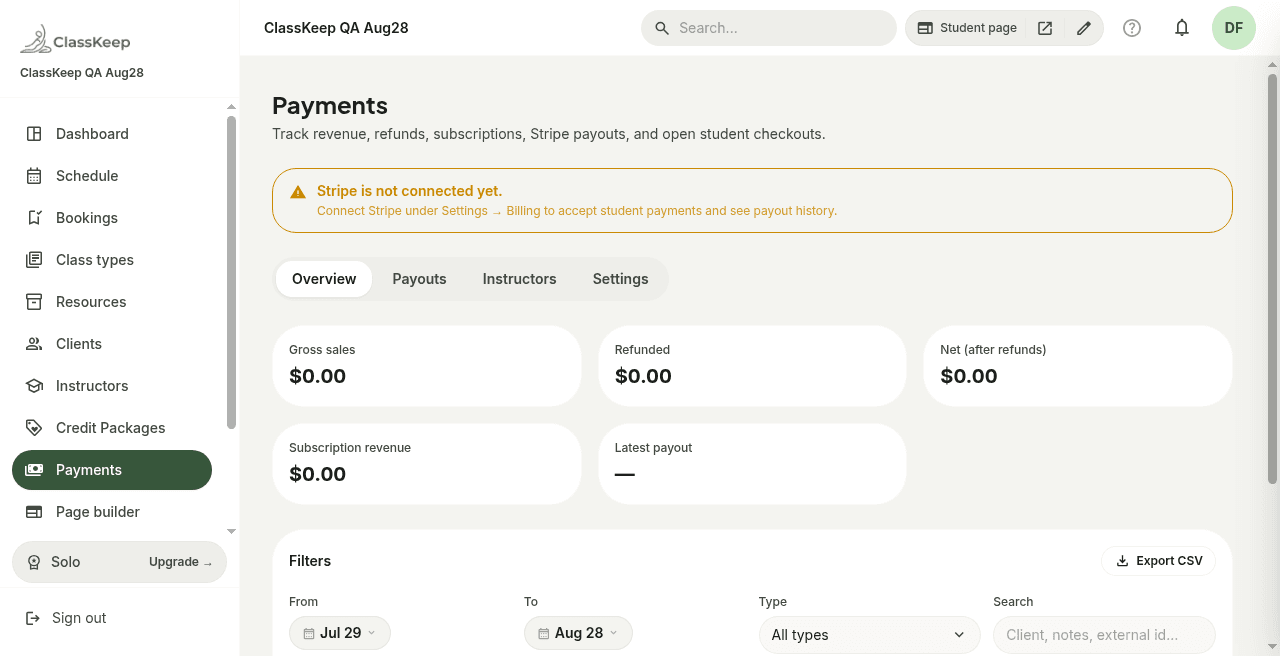
Credit packs, subscriptions, and drop-ins through Stripe Connect. ClassKeep charges a flat subscription — zero take-rate on student payments.
Start on the Free plan — no credit card. Rebuild your week in an afternoon.
Get Started FreeNo credit card required.