Software & tools
Pilates studio management software: what reformer studios actually need
A practical guide to pilates studio software — reformer scheduling, room resources, instructor coverage, credits, Stripe payments, and honest tradeoffs without enterprise bloat.
Reformer pilates studios are not small gyms. You sell limited machine time, instructor expertise, and a mix of memberships and drop-ins — often in the same week. Generic fitness software treats every class like an open mat with infinite capacity. That mismatch is why so many pilates owners still run on spreadsheets long after they "should" have upgraded.
This guide covers what pilates studio management software should actually do, how to evaluate vendors, and where ClassKeep fits if you are comparing options.

The five jobs reformer studio software must handle
1. Schedule with real capacity
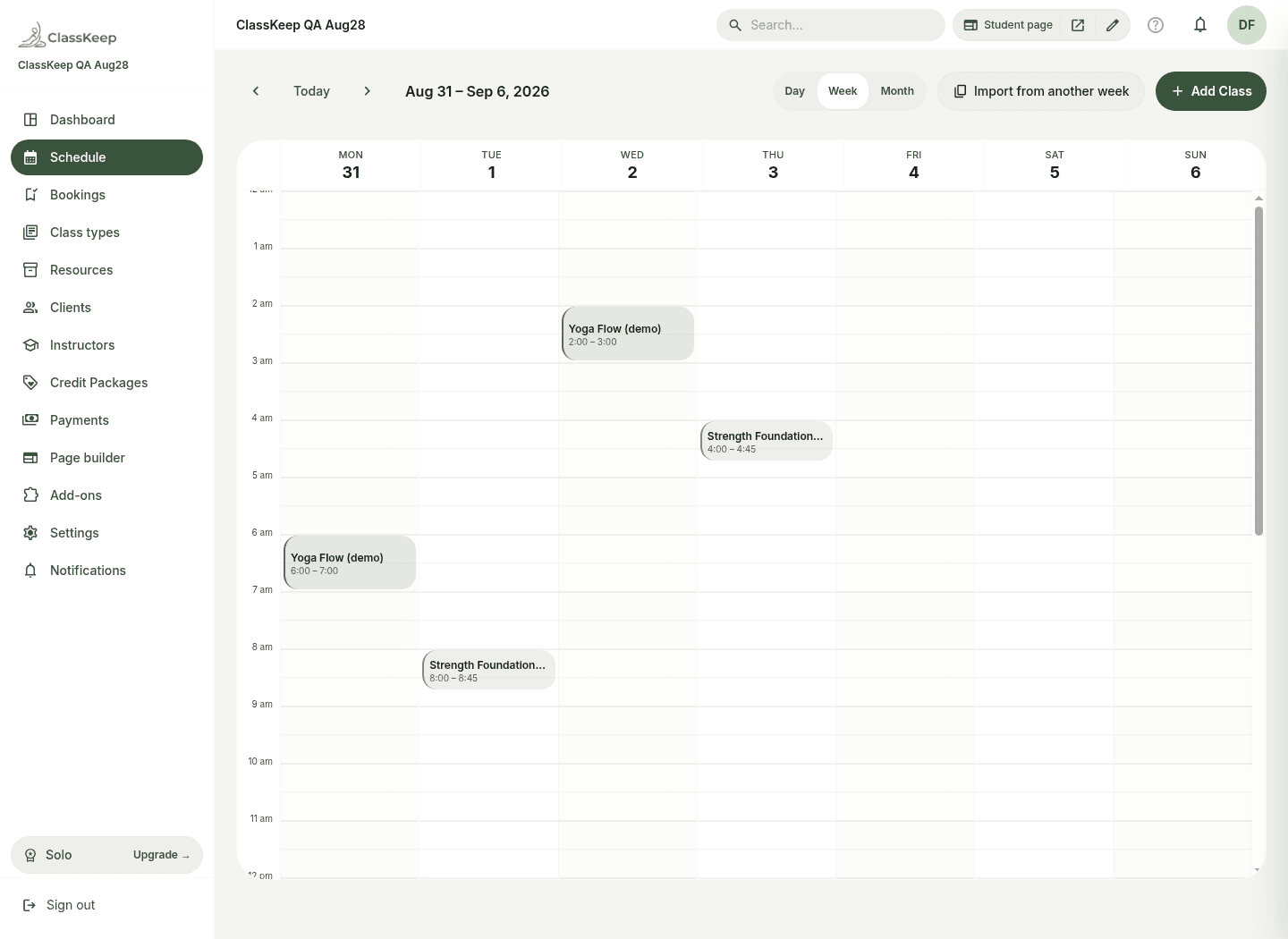
Your week is a grid of reformer slots, not just "Flow at 9am." You need recurring sessions, instructor assignment, and a hard cap on bookings per room or per reformer bank. Copy week and conflict detection save hours every Sunday night.
Look for: week/day calendar, recurring rules, per-session capacity, instructor assignment.
2. Resources — reformers and rooms
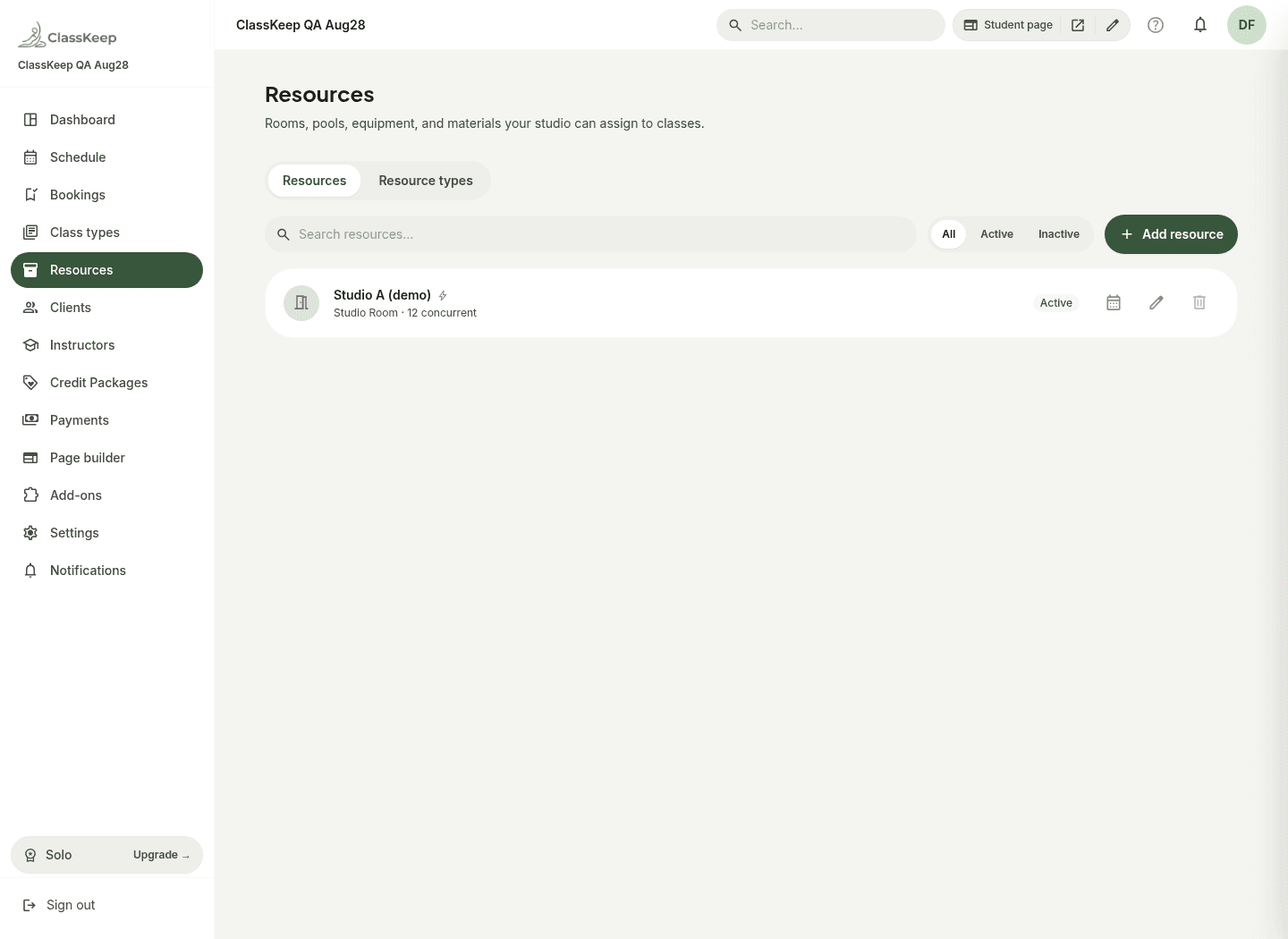
Two classes cannot share Studio A at 10am. Good software models rooms and equipment as resources with capacity, not just a class name on a calendar.
Look for: room resources, quantity resources (reformers, chairs), allocation per class.
3. Instructors and attendance
Teachers need today's roster, walk-in handling, and one-tap check-in — without access to your Stripe dashboard. A dedicated instructor portal beats emailing PDF rosters.
Look for: mobile instructor view, attendance, no-show tracking, walk-ins.
4. Clients, credits, and packages
Pilates revenue is rarely drop-in only. You sell 10-class packs, monthly unlimited, and intro offers. The ledger should show remaining credits without a spreadsheet lookup.
Look for: credit packages, subscriptions, manual adjustments, expiry rules.
5. Stripe payments with transparent fees
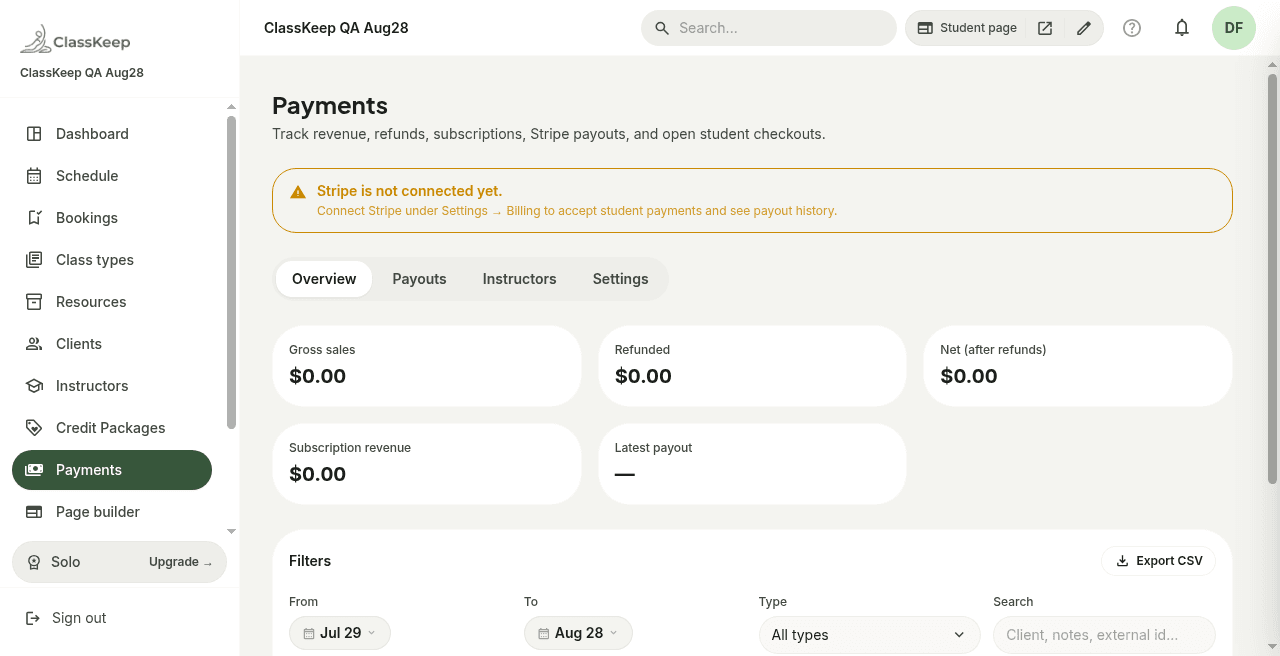
Students should pay your studio through Stripe. The software should charge a flat subscription — not a percentage of every booking or a marketplace tax on new clients.
Look for: Stripe Connect, hosted checkout, $0 platform take-rate (Stripe processing fees still apply).
Common mistakes when choosing pilates software
- Buying enterprise tools for a single location. Mindbody and similar platforms shine at franchise scale; boutiques often pay for 90% of features they never open.
- Ignoring resource modeling. If the tool cannot cap reformers, you will double-book machines.
- Treating waitlist as the whole product. Waitlist helps fill cancellations, but schedule, resources, instructors, and revenue are the daily work. Waitlist should be optional, not the headline.
- Assuming SMS is built in. Many tools require your own Twilio account for text — budget for that separately.
How ClassKeep maps to reformer pilates
ClassKeep was built for boutique class businesses, starting with reformer pilates:
- Schedule — recurring classes, capacity, copy week, instructor assignment
- Resources — rooms, reformers, and materials with capacity
- Instructor portal — mobile check-in and walk-ins
- Revenue — credit packs, subscriptions, drop-ins via Stripe Connect; ClassKeep takes no cut
- Optional waitlist — email when a spot opens; SMS/WhatsApp via Twilio BYOK add-on
See the dedicated reformer pilates use case for a niche walkthrough.
Related reading
- From spreadsheets to studio software: a pilates migration playbook
- Best alternatives to Mindbody
- Punchpass alternative
- ClassKeep vs Mindbody
- Features · Pricing
Illustrative math (example only)
If you spend 8 hours/week on manual scheduling and payment reconciliation, that is 8 hours not teaching or selling. At $50/hour (illustrative owner time value), that is $400/week or roughly $1,600/month of operational drag — before counting unfilled seats from slow cancellation handling. Your numbers will differ; the point is to compare software cost against time and revenue leaks, not just the monthly subscription line.
Ready to try it? Start free — no credit card required.
Frequently asked
- Why is reformer pilates harder to schedule than open gym classes?
- You sell limited machine time, not infinite mat space. Two classes cannot share the same reformer bank at 10am — capacity must be modeled per room or per machine set.
- Can I sell both memberships and class packs for pilates?
- Yes, and most reformer studios should. Unlimited or 2x/week plans for regulars, 10-class packs for travelers, drop-ins for intros. The wallet should deduct the right balance automatically at booking.
- Do I need Mindbody for a single-location reformer studio?
- Usually not. Mindbody shines at franchise scale and marketplace discovery. Single-location boutiques often pay for features they never open. Compare [alternatives](/blog/software/best-alternatives-to-mindbody) on fit, not brand.
- How long does migration from spreadsheets take?
- A focused weekend for schedule, client import, active credit balances, and Stripe test. See the [pilates migration playbook](/blog/operations/from-spreadsheets-to-studio-software-pilates).
Ready to run your studio from one place?
Start free — no credit card required. Upgrade anytime.
Start for freeRelated articles
Software & tools
Punchpass alternative for boutique studios: an honest comparisonWhen Punchpass still fits a pass-based studio — and when you need room resources, subscriptions, instructor tools, and Stripe without outgrowing punch cards.Software & tools
Best alternatives to Mindbody: why boutique studios are switchingAn honest look at Mindbody for enterprise operators — and why single-location pilates, yoga, and class studios often prefer lighter tools like ClassKeep.Software & tools
Credit packages vs subscriptions: which billing model fits your studio?A decision guide for class-based studios choosing between credit packages and monthly subscriptions — cash flow, retention trade-offs, and how a hybrid wallet works in practice.